Gradient Snapper
A downloadable tool for Windows, macOS, and Linux
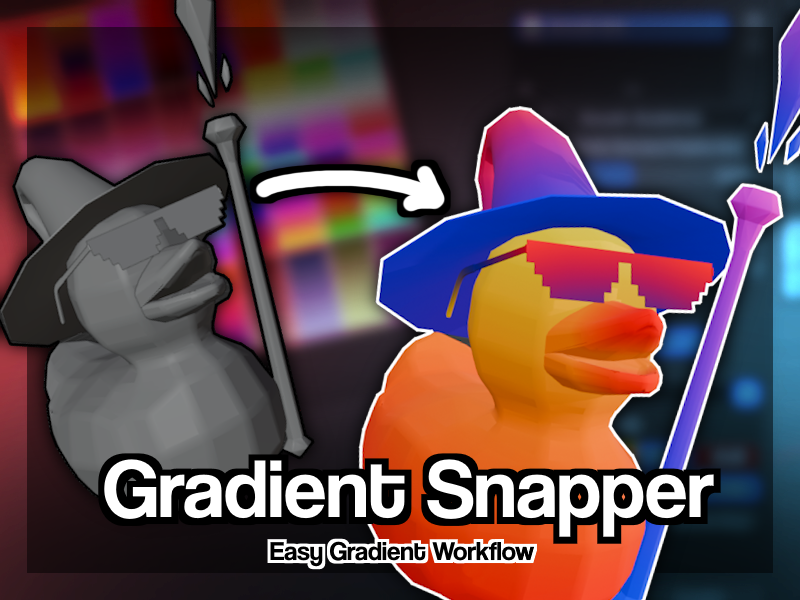
Snap. Map. Color. — Palette texturing built for Blender.
Gradient Snapper is a Blender add-on (4.0+) that brings palette-based texturing into your 3D workflow. Instead of jumping between external tools, you build gradient palettes, generate texture atlases, and map UVs — all without leaving Blender.
Whether you're going for a stylized look, hand-painted aesthetics, or just want a faster way to color your models, Gradient Snapper gives you the tools to do it in seconds.
What You Can Do
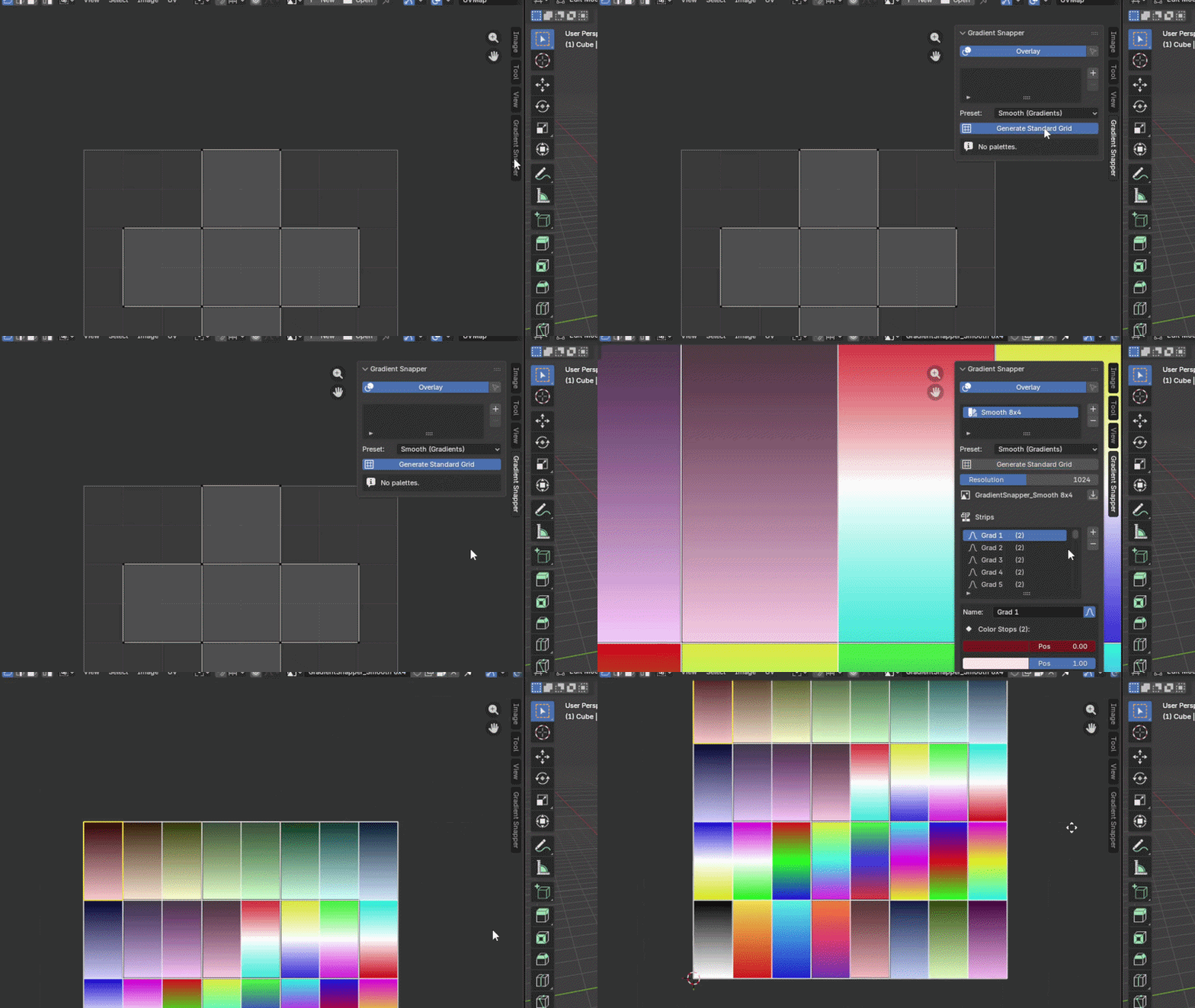
Build & Manage Palettes Create multiple named palettes, each containing gradient or flat-color strips. Add, remove, and reorder strips at any time. Choose from built-in generation presets or build fully custom ones from scratch.
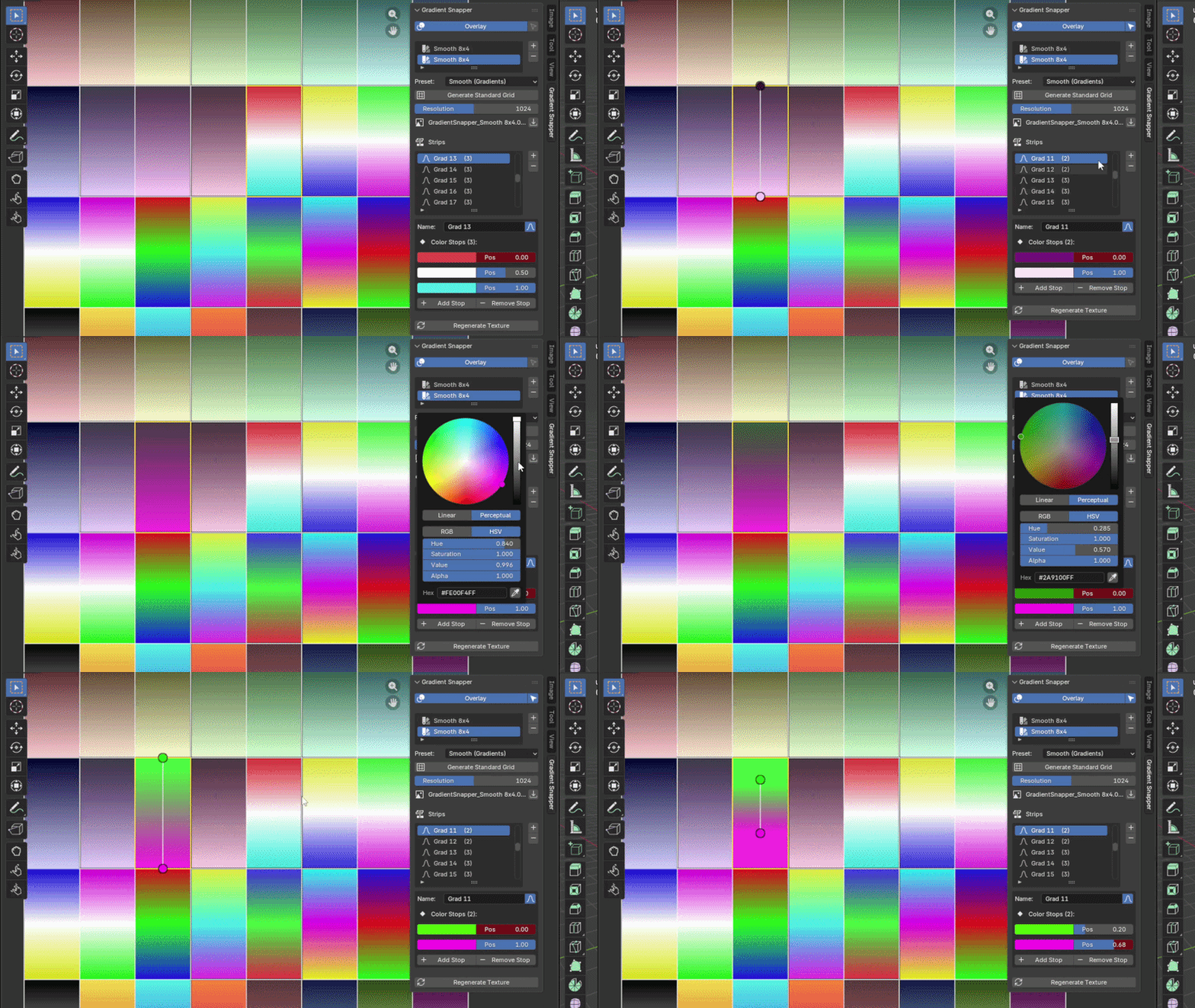
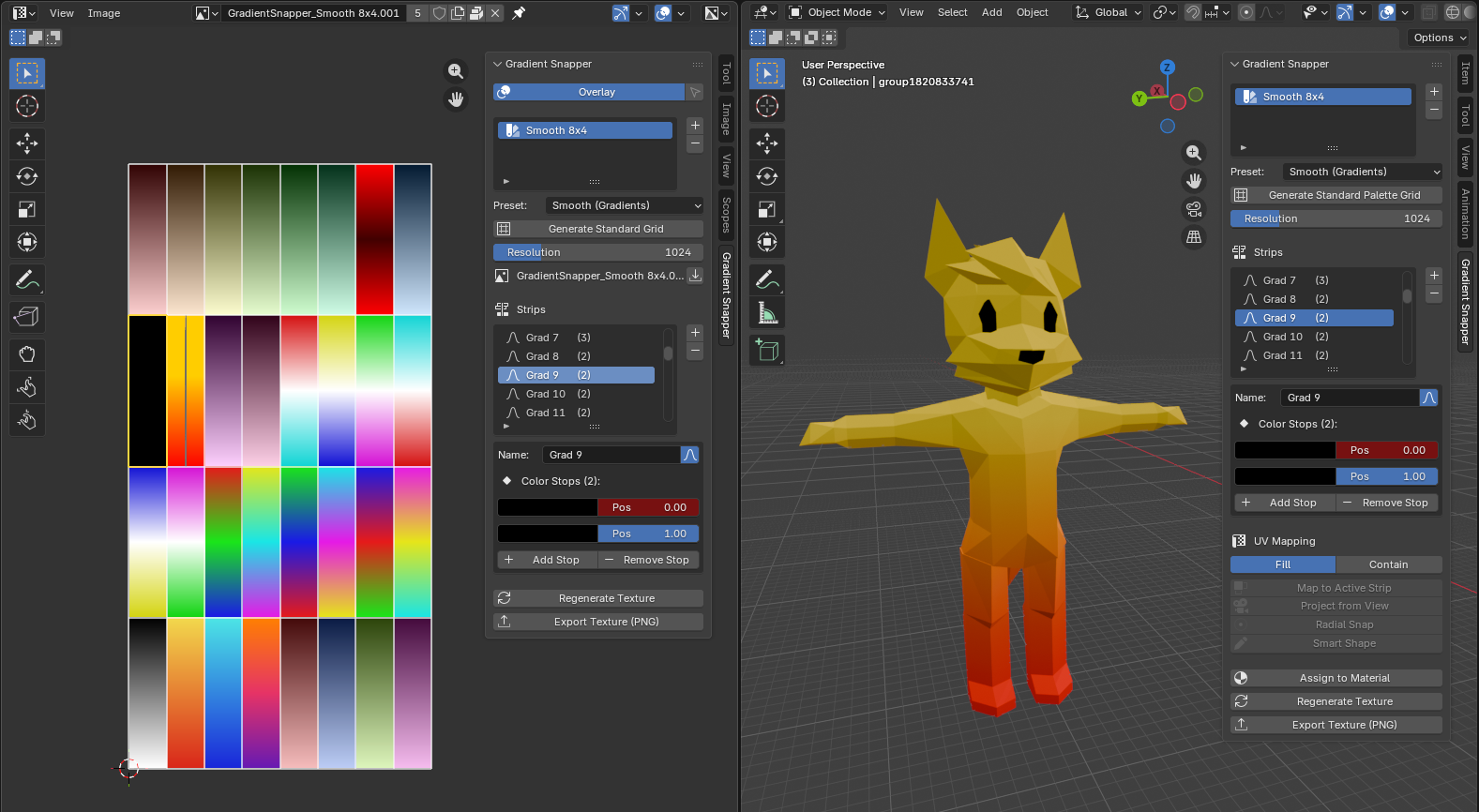
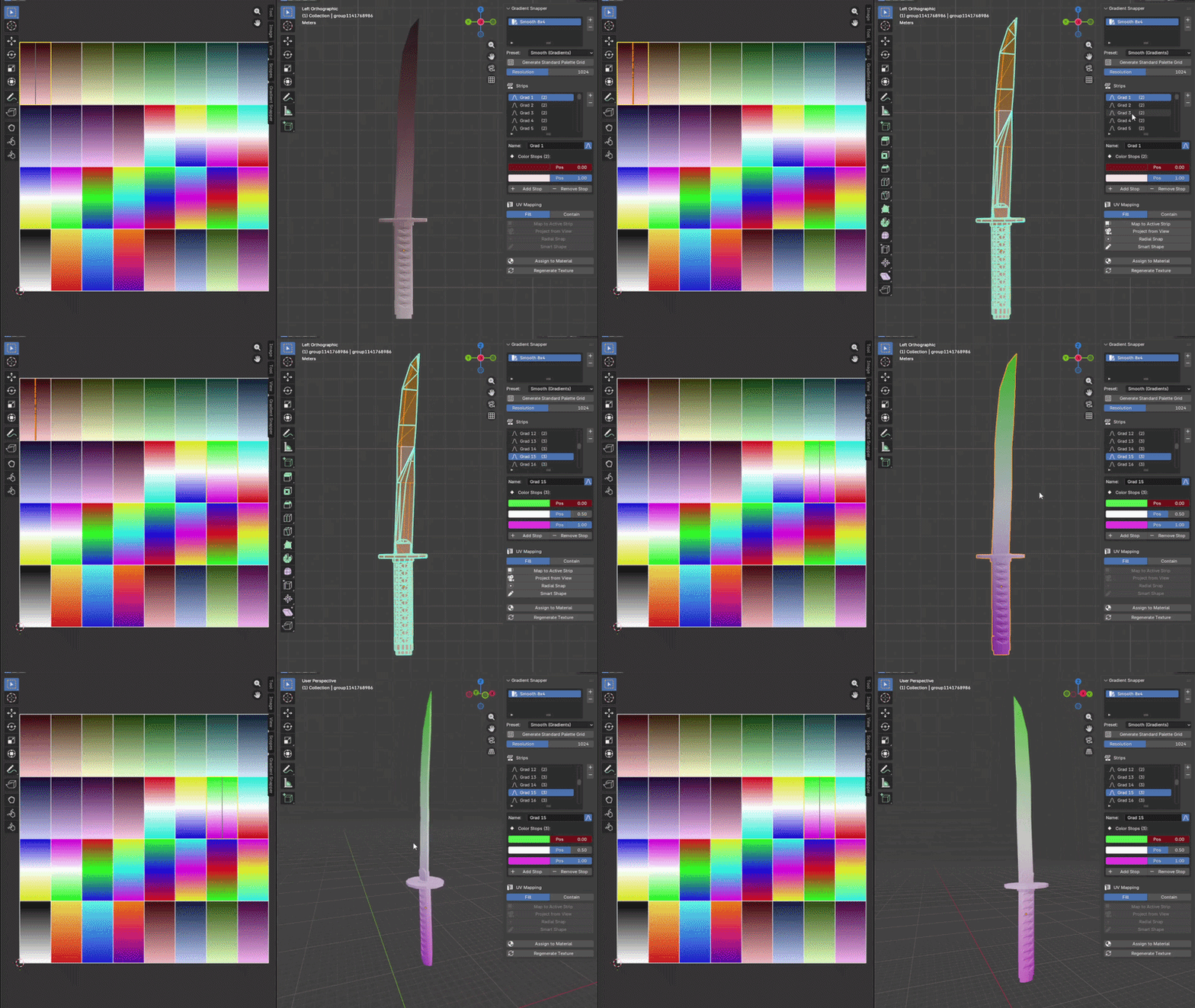
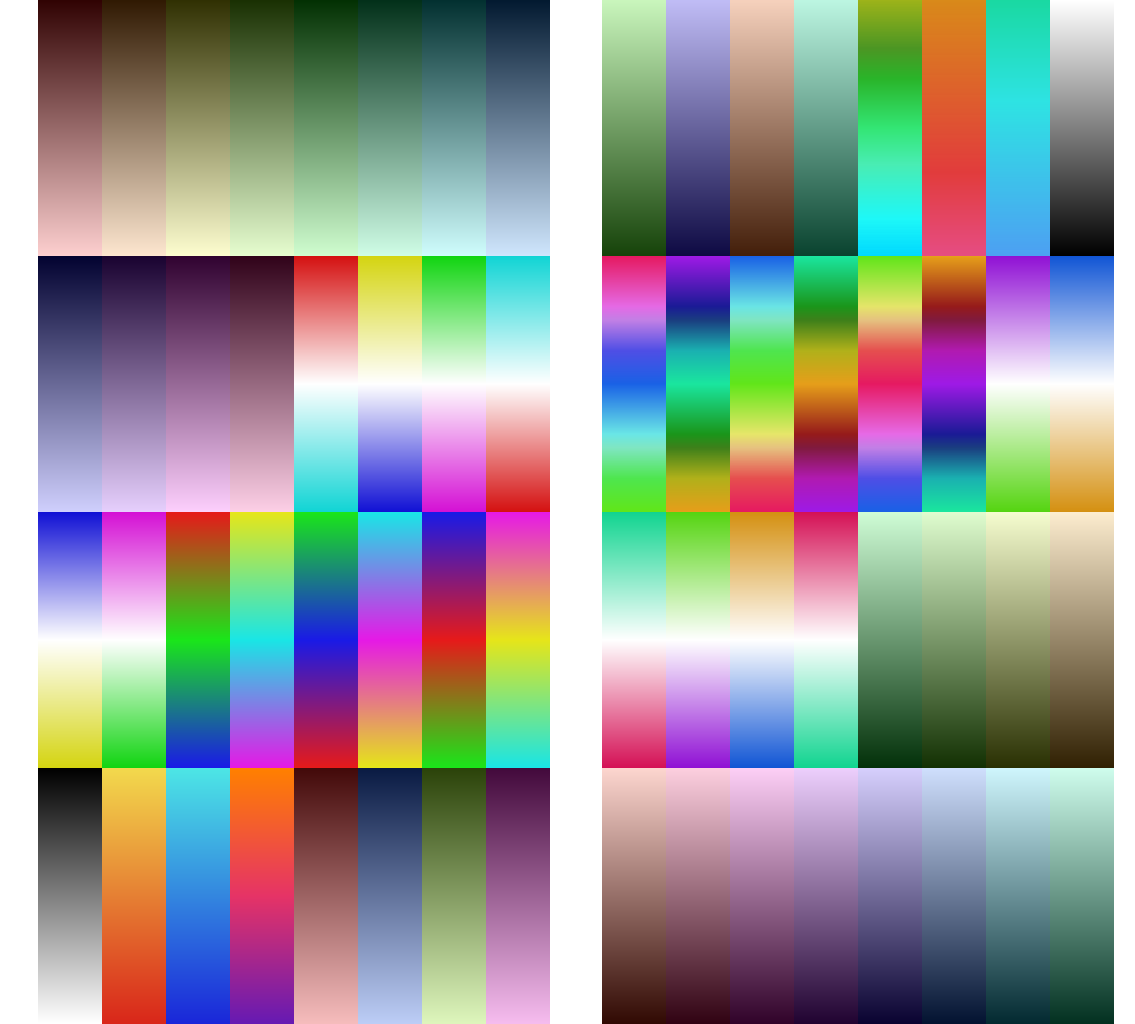
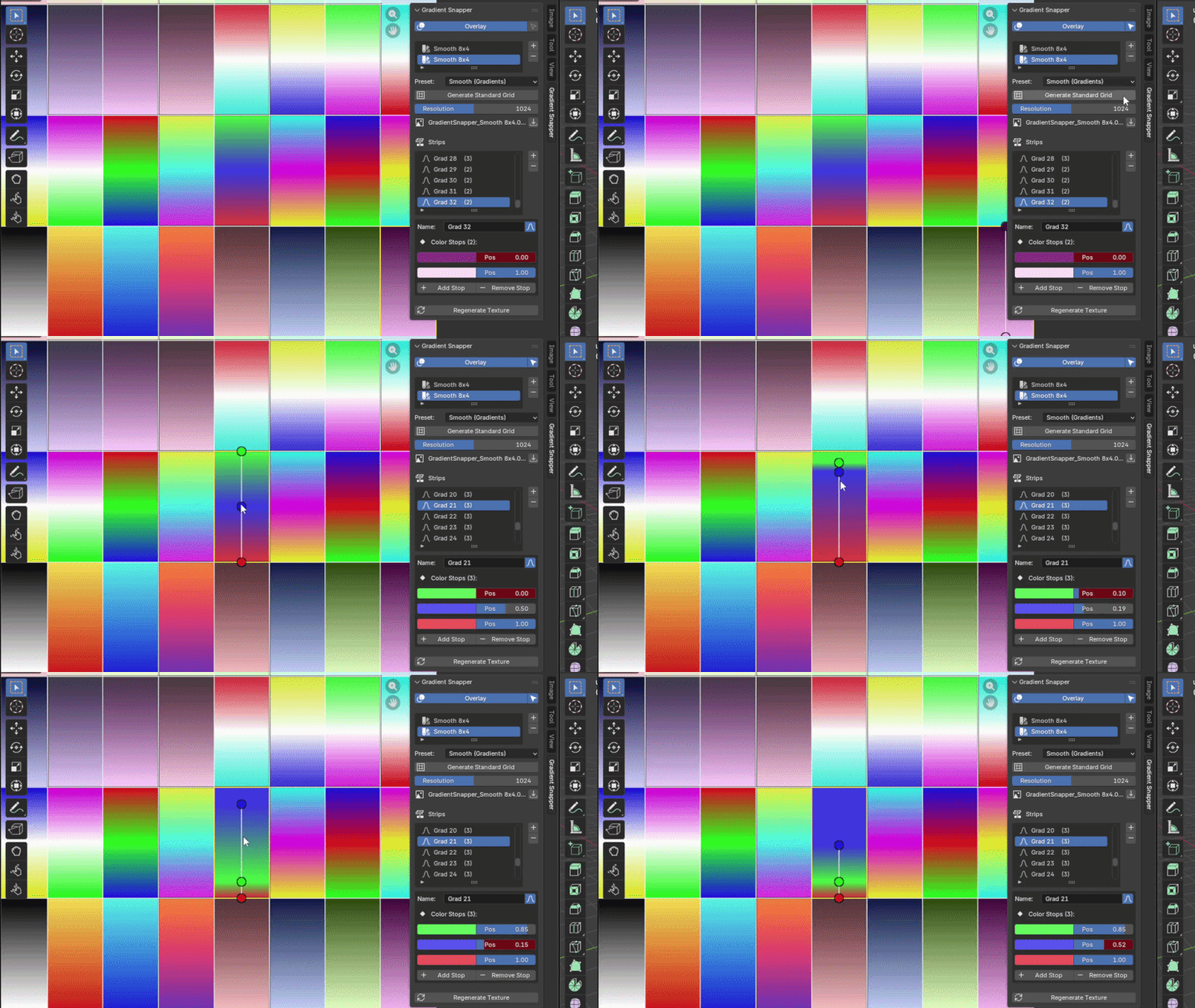 Generate Palette Textures Instantly bake your palette into a clean texture atlas with vertical gradients per strip. Cells are square, neatly organized in a fixed 8-column grid that grows automatically as you add strips. Resolution is fully adjustable (64 → 2048px).
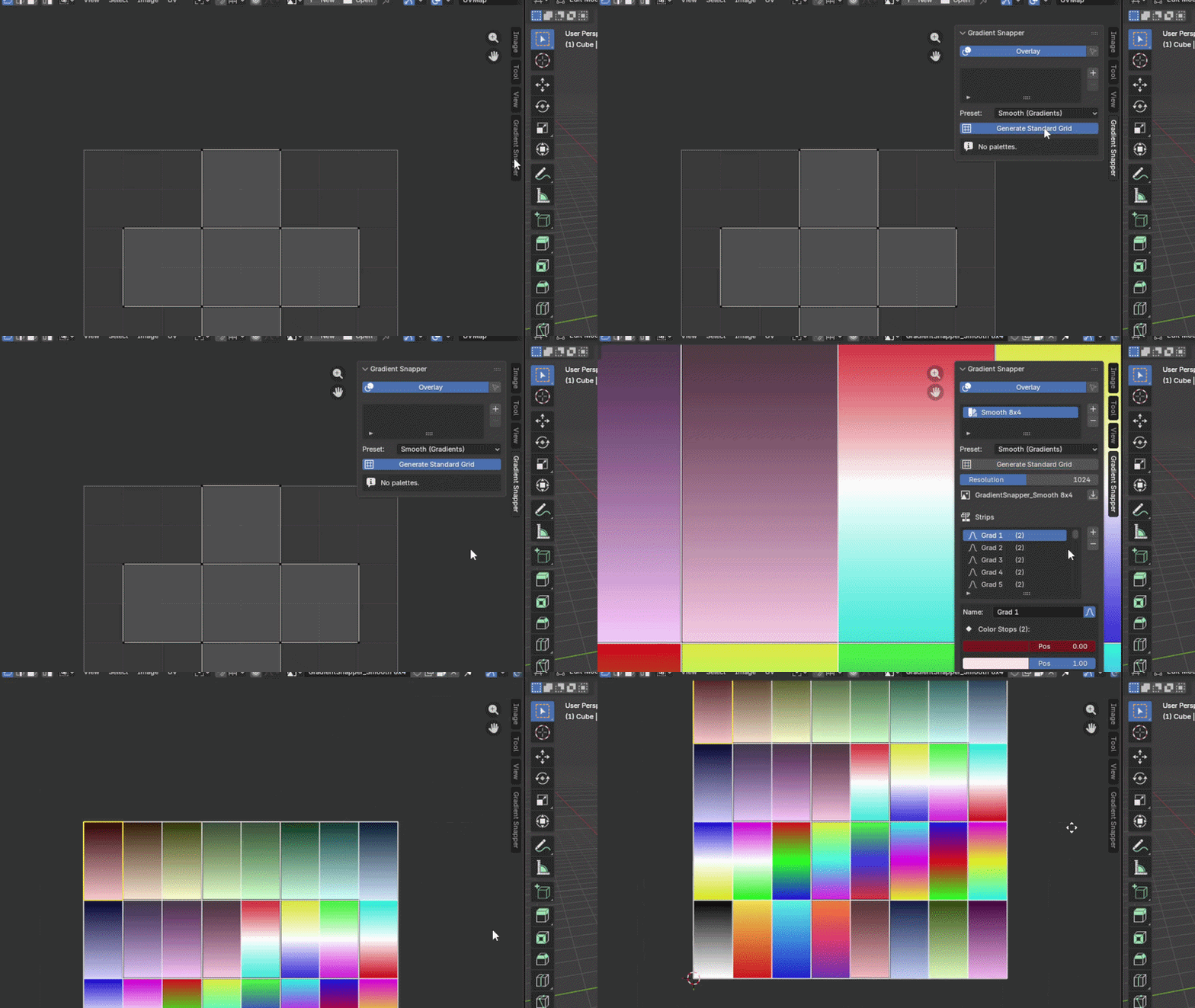
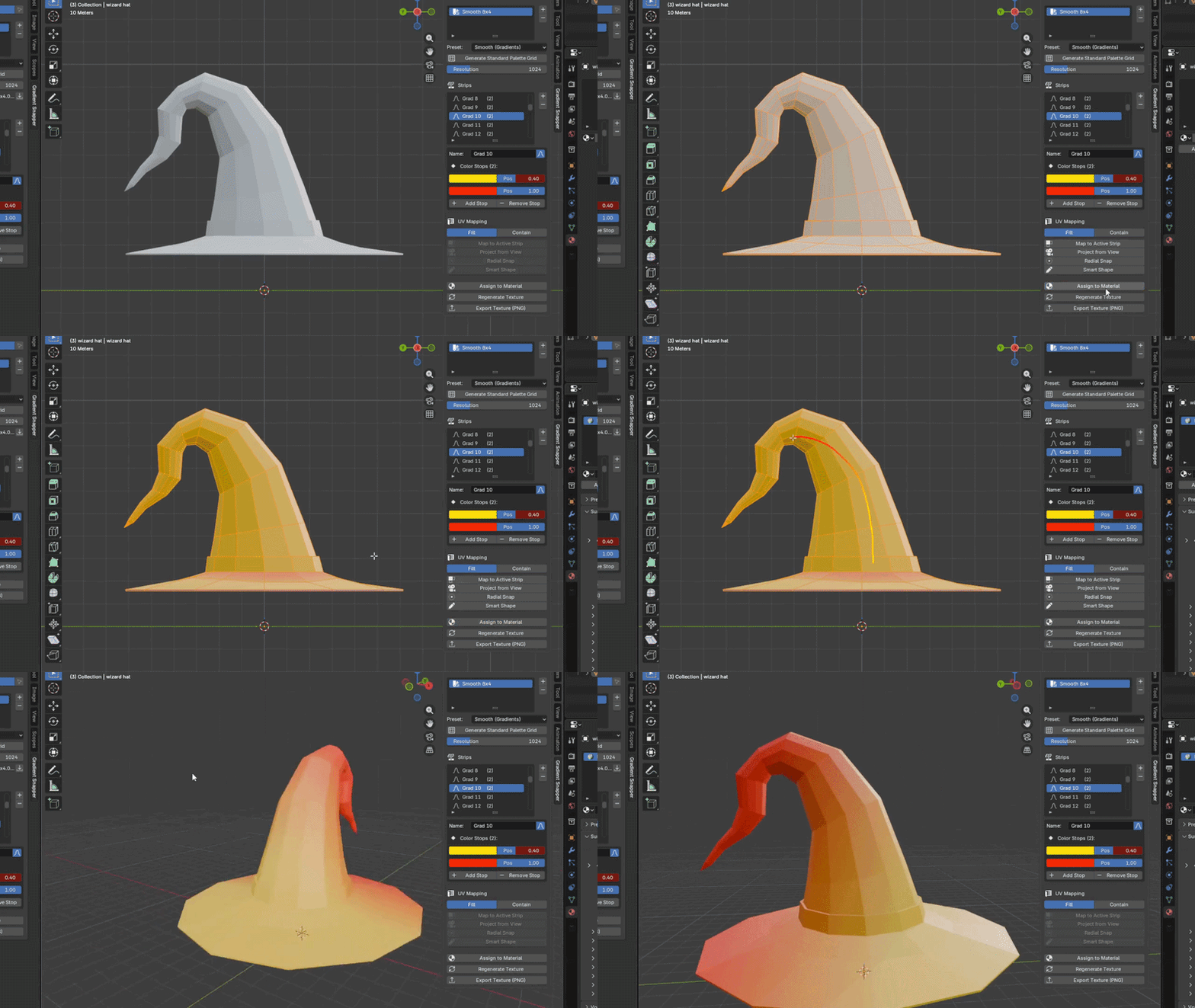
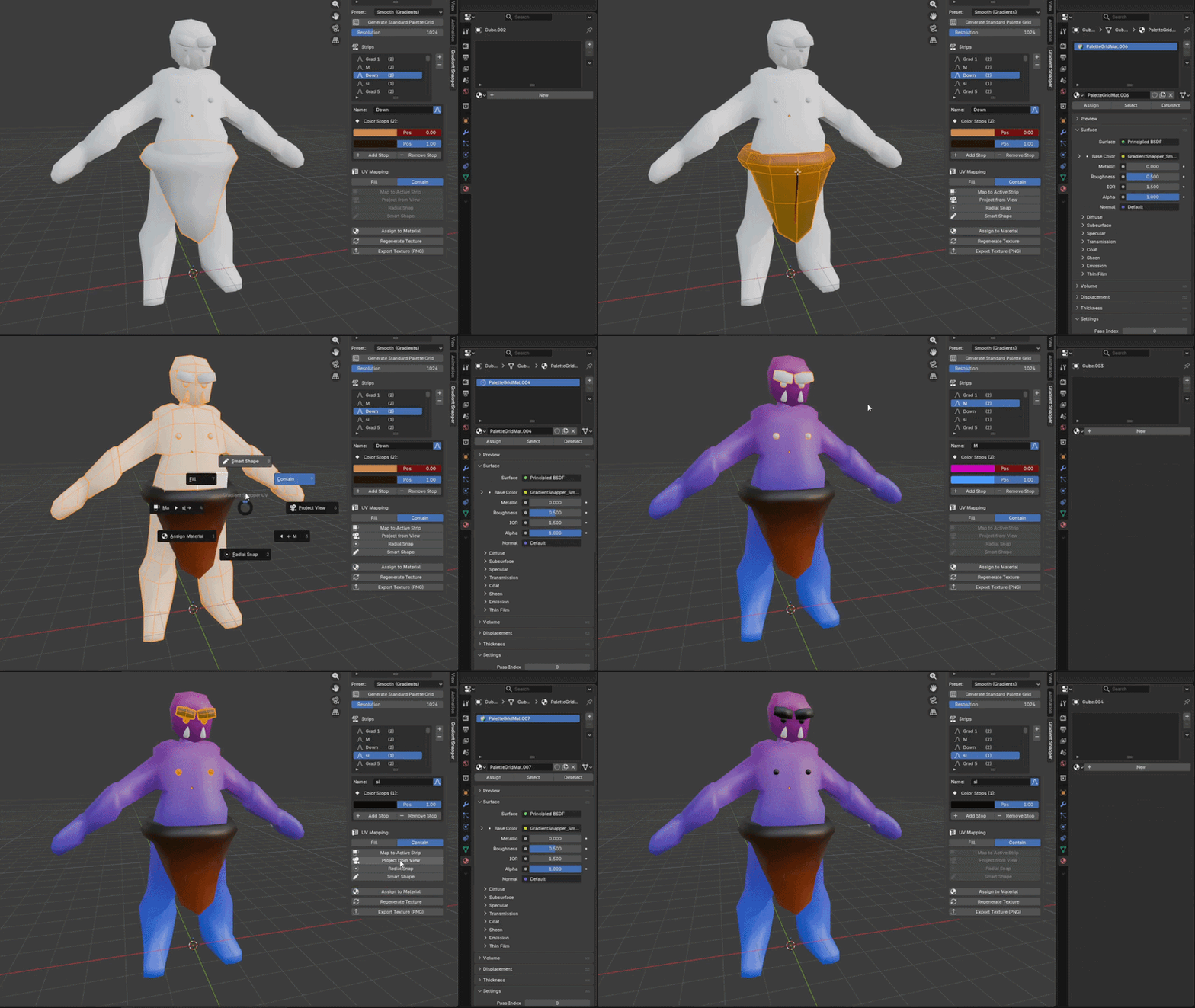
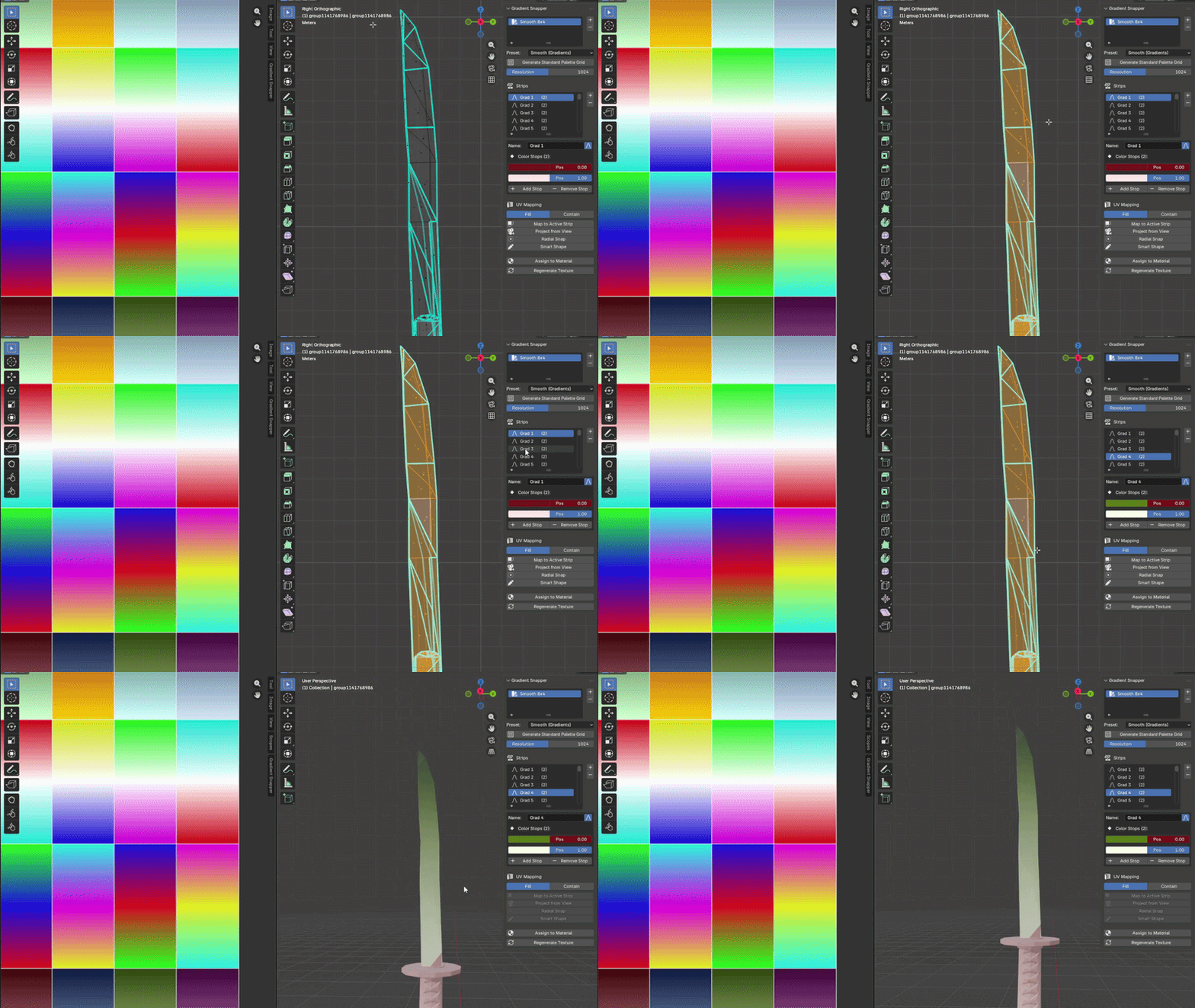
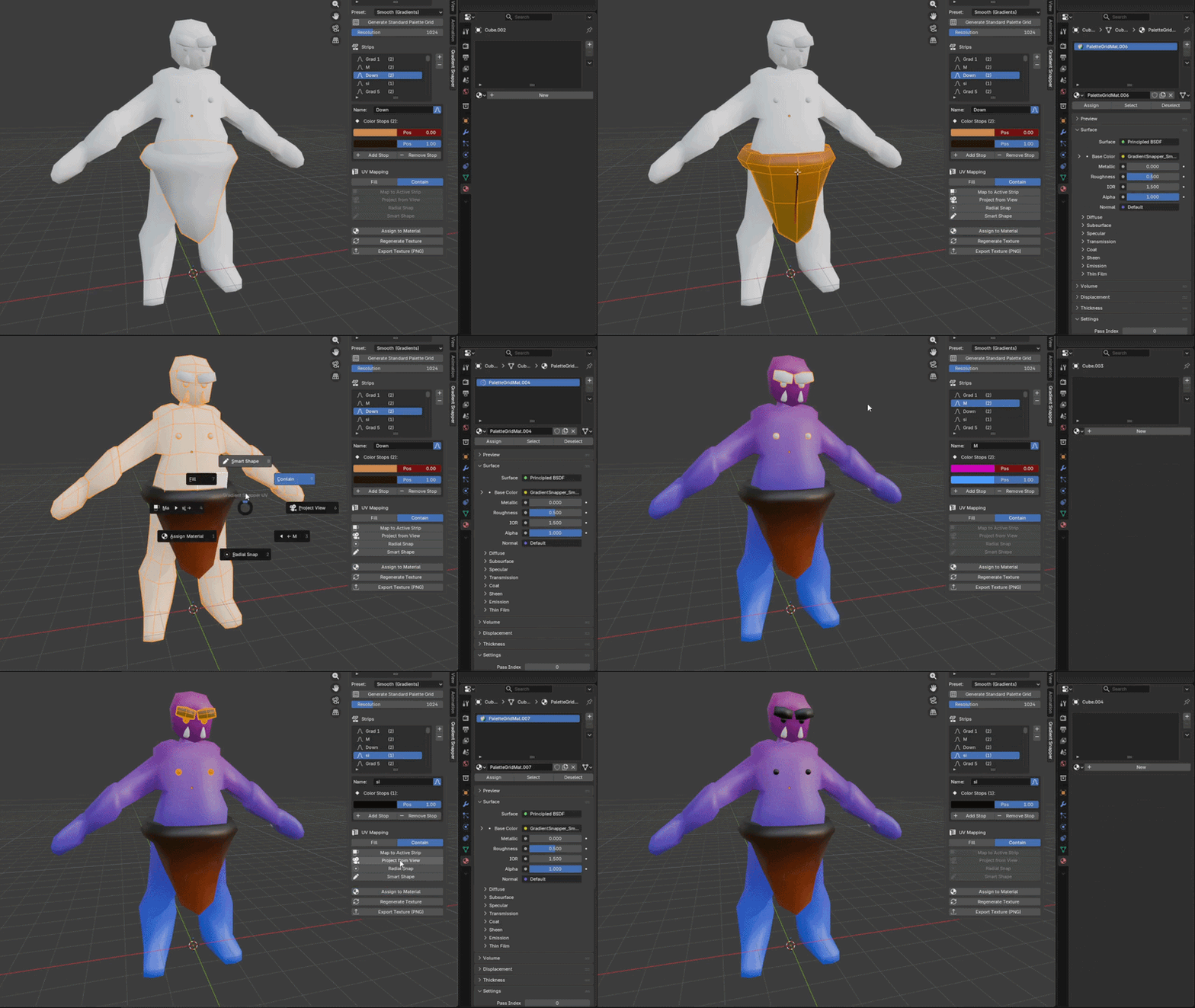
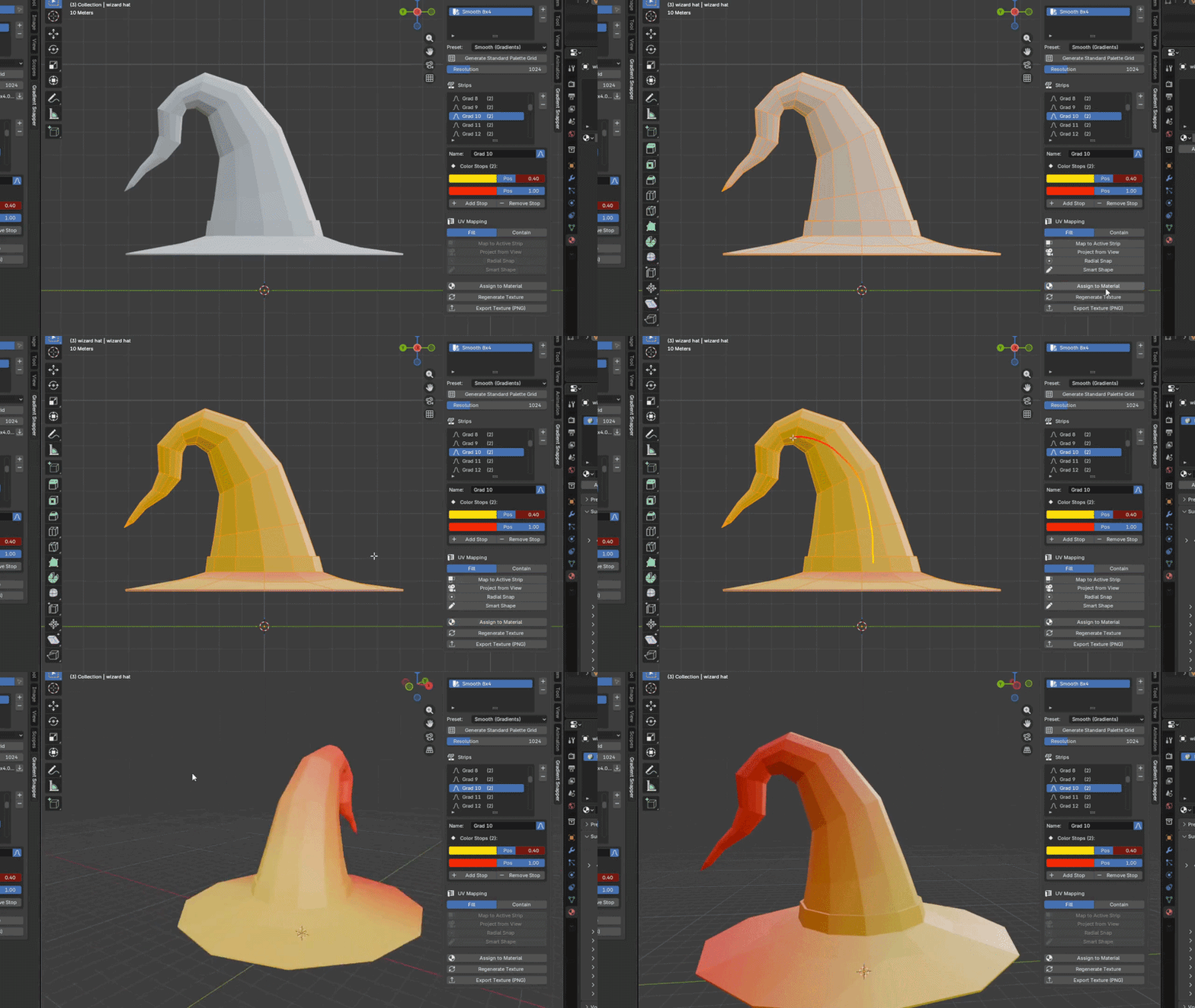
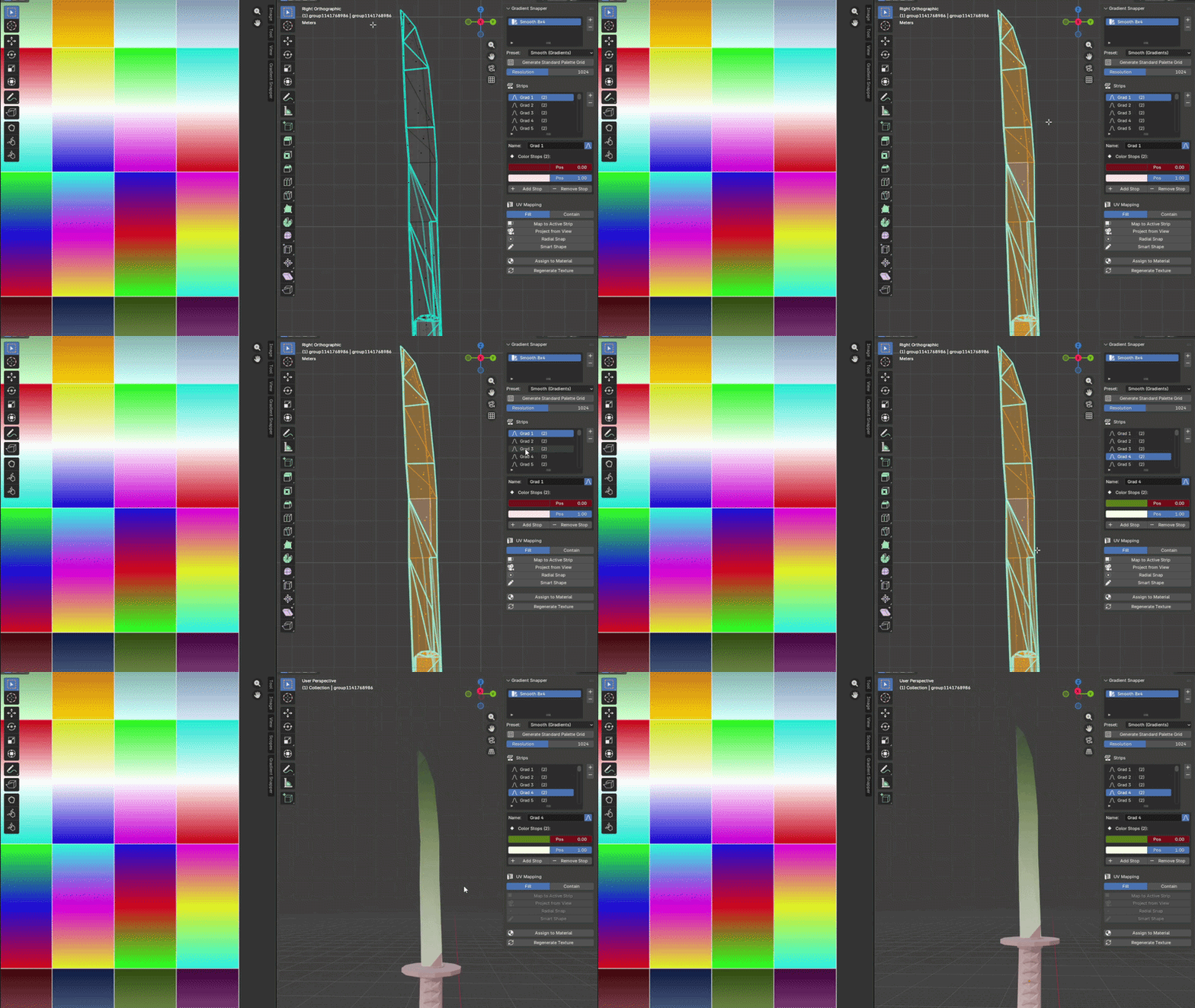
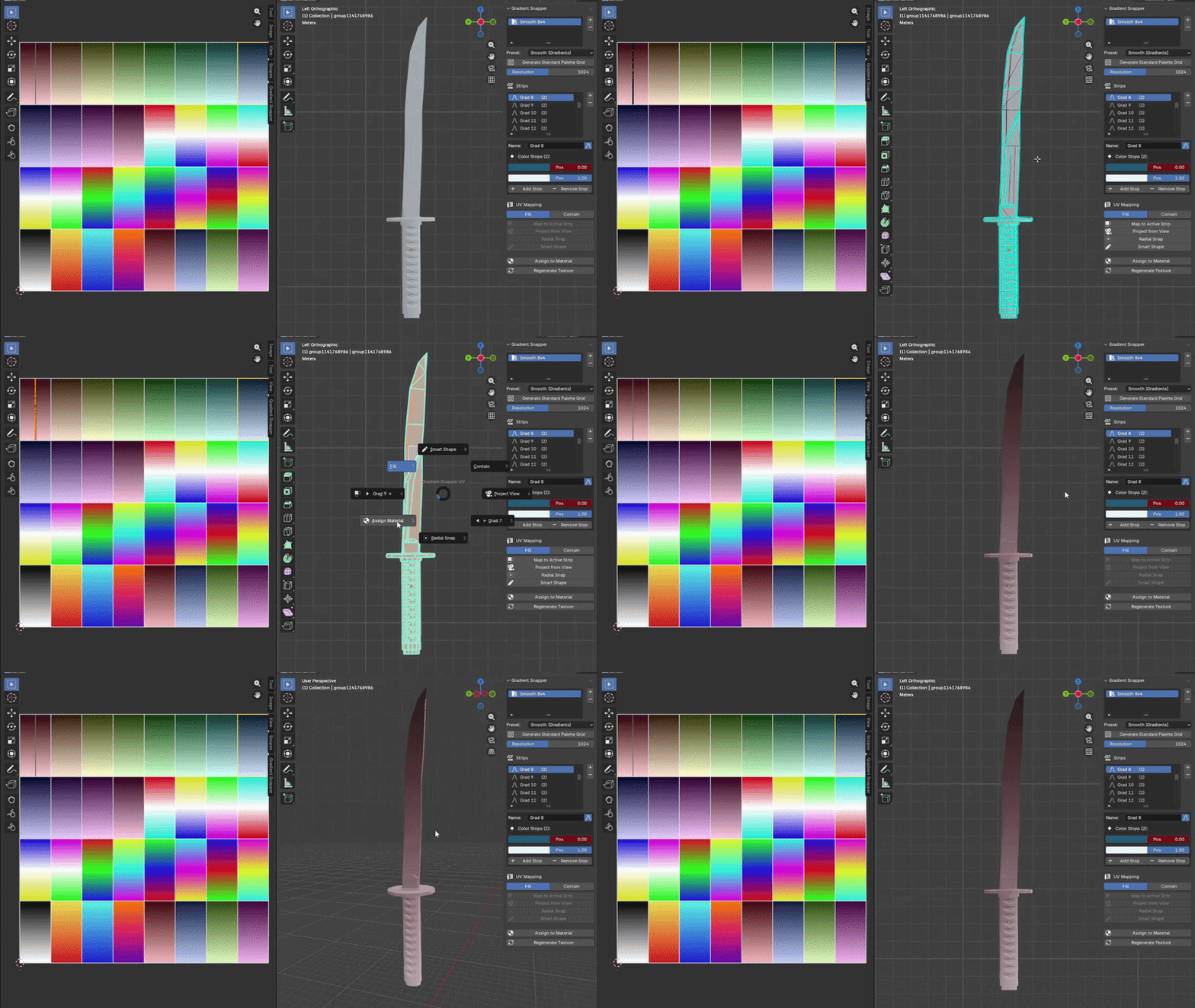
One-Click UV Mapping Select faces in Edit Mode and snap their UVs directly onto any palette strip — preserving gradient direction. No manual UV unwrapping needed.
One-click texture export: Generate and export your custom gradient palettes as optimized texture files, ready for immediate use in any game engine or 3D software.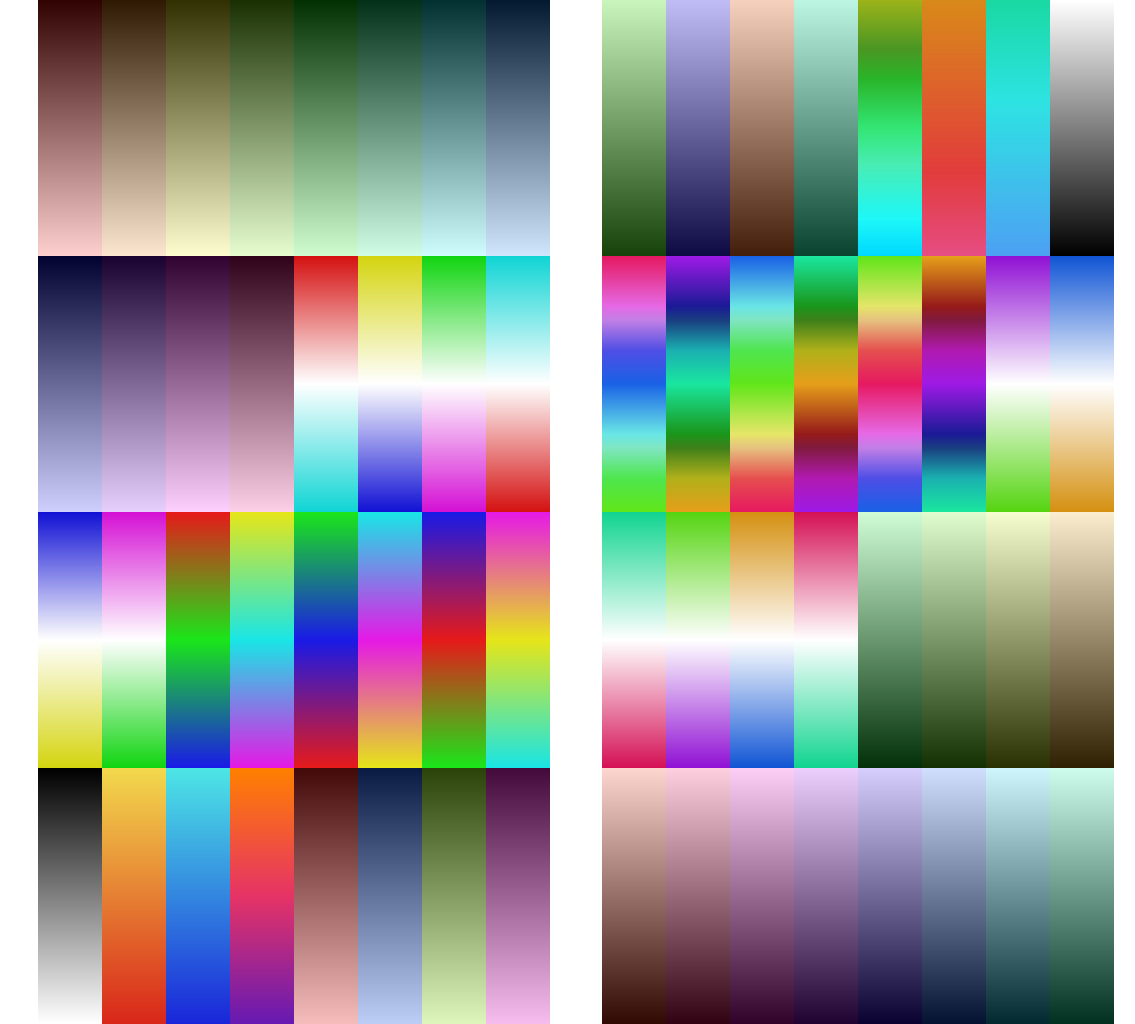
Project from View Use Blender's native viewport projection, then automatically fit and remap UVs into the correct palette strip cell.
Radial Snap Map UVs based on radial distance from the 3D cursor — great for spherical objects, gems, eyes, or any rotationally-symmetric form.
Smart Shape UV Draw a stroke directly on your mesh in the viewport. Gradient Snapper reads the stroke direction and maps your UVs along it — completely freehand, completely intuitive.
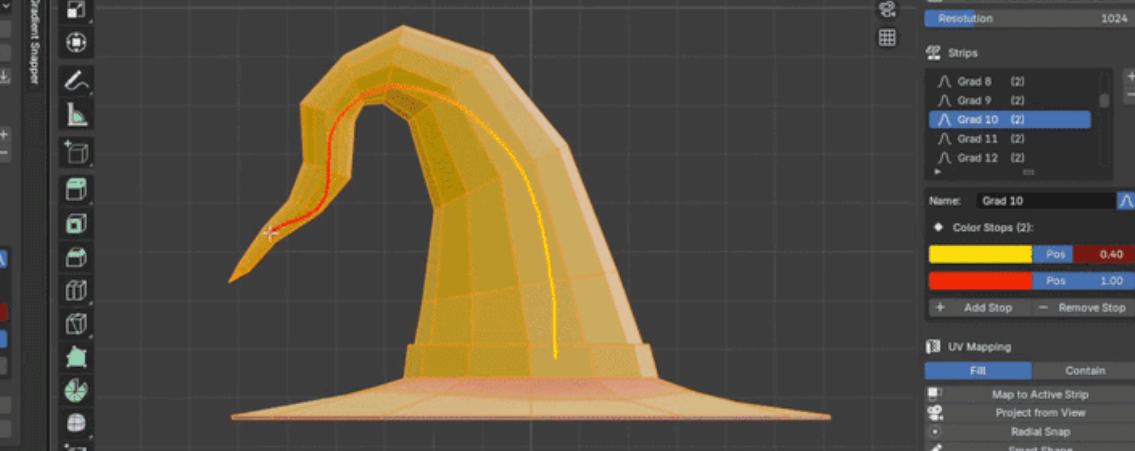
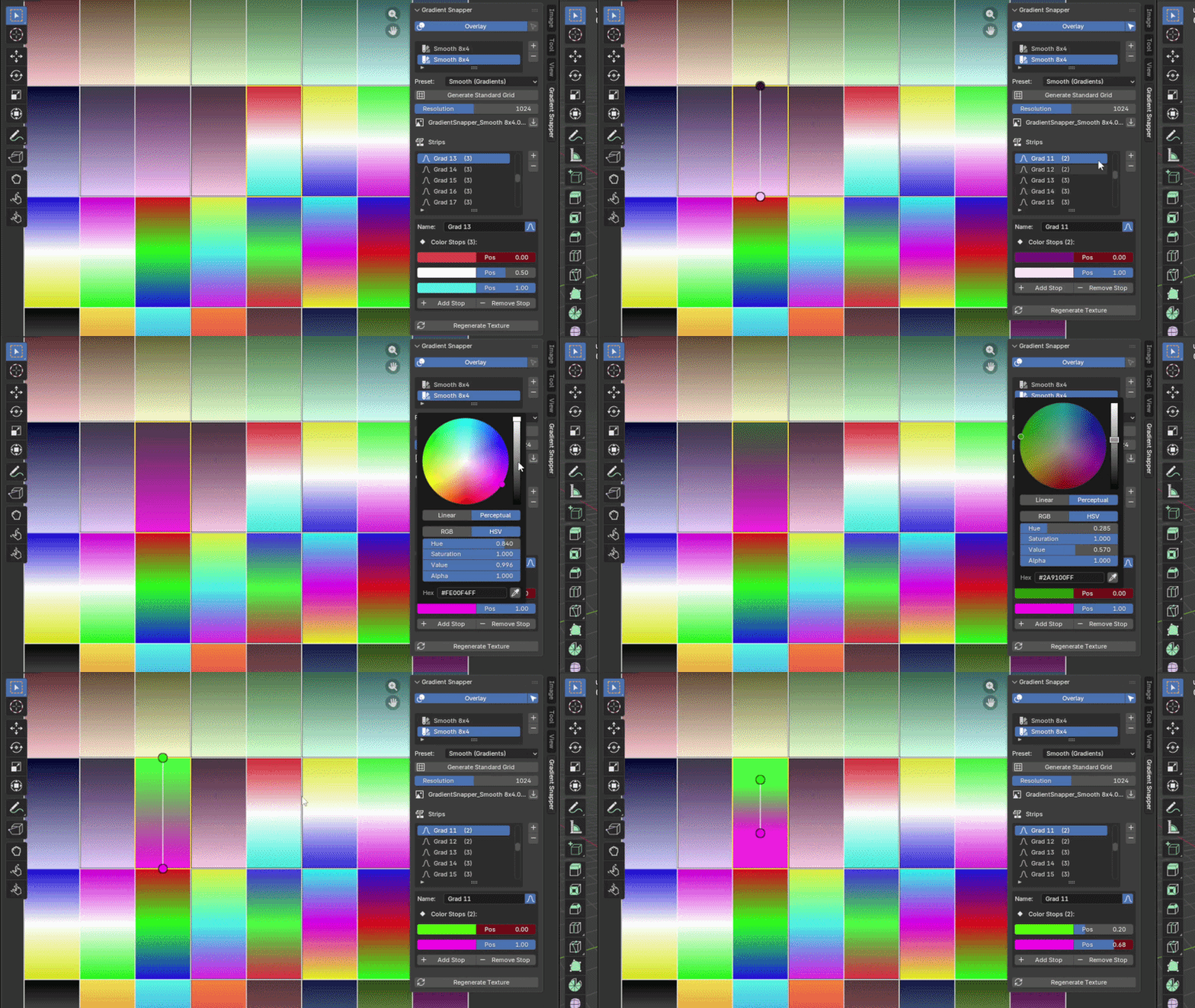
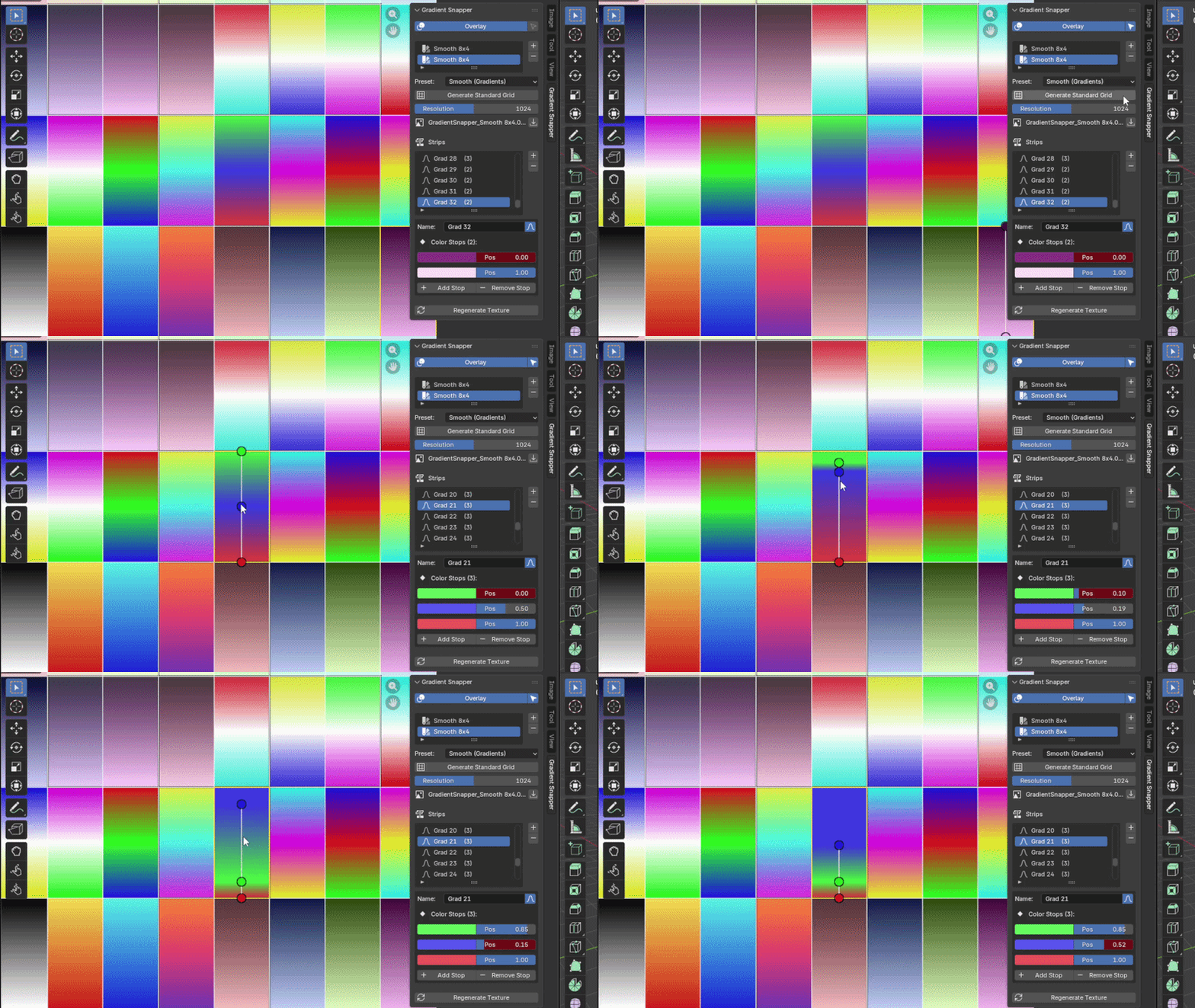
Interactive Stop Editor Open the Image Editor panel and click directly on your palette texture to select strips or drag color stop dots to reposition them in real time. The texture updates live as you drag.
Assign to Material One button assigns the generated palette texture to your active object's material — no node editor gymnastics required.
Customizable Hotkeys: Fully rebindable shortcuts via the Blender Add-on preferences. Customize every action to fit your specific workflow and speed up your productivity.
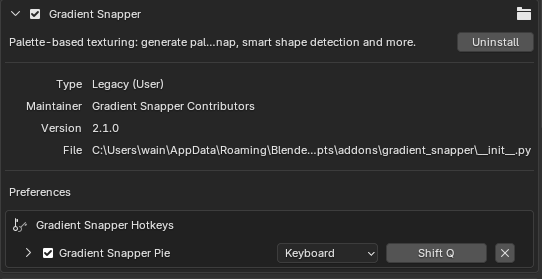
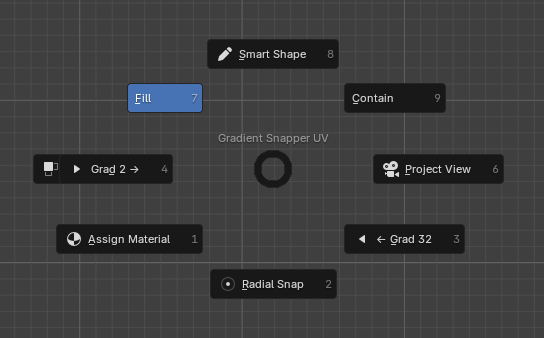
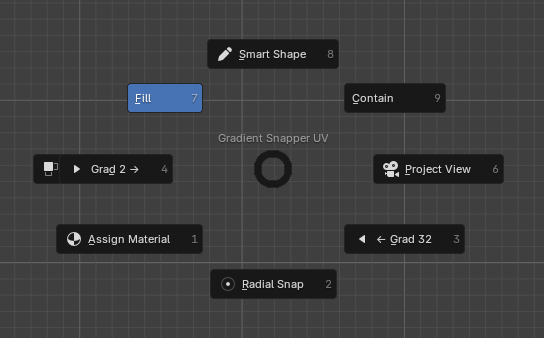
Pie Menu (Default Key: Shift+Q) All major UV tools are a single shortcut away. Hit Shift+Q in Edit Mode to call the pie menu and pick your mapping method without touching the sidebar.
Multi-UV Workflow
🐛 Bug Reports & Community
If you encounter any bugs, have feature suggestions, or just want to show off the cool things you've made with Gradient Snapper, feel free to reach out! You can message me directly or join the community on our Discord server.
Indie Project: Currently in active development. Bug fixes and optimizations are performed regularly. Thank you for your support!
Models:
https://poly.pizza/m/bprrVO3Jw0
https://poly.pizza/m/7oO8liwQv6
https://poly.pizza/m/7VVumyY7L_u
https://poly.pizza/m/9pffFcv7LSm
Purchase
In order to download this tool you must purchase it at or above the minimum price of $1.49 USD. You will get access to the following files:
Development log
- Gradient Snapper is Now Available!96 days ago
Leave a comment
Log in with itch.io to leave a comment.